All photos and data remain on your device.
- No cloud uploads
- No account or sign-up
- No ads, cookies or personal tracking
- Shared only with people in your room
- Closes when you close the tab
 PhotoCrew
Everyone's photos in one shared grid, on any device.
Completely free.
Your photos and data stay on your own device. Photos only go to the people in your room, when you share them.
All photos and data remain on your device.
Completely free. Every feature, for everyone.
Mix them however you like. It opens in the browser.
Downloads are the files your friends added, not shrunken copies.
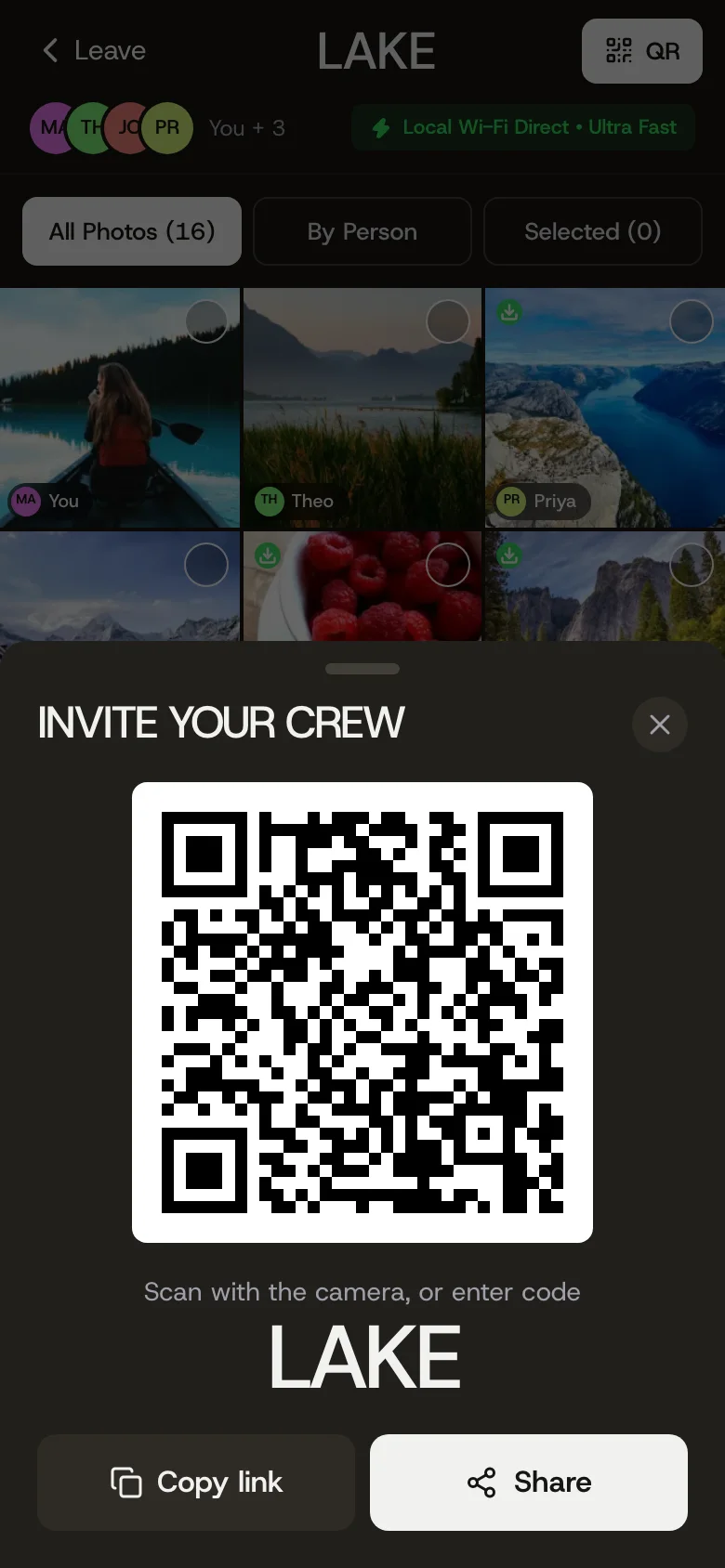
Open a room. Your crew scans the code or types four characters.
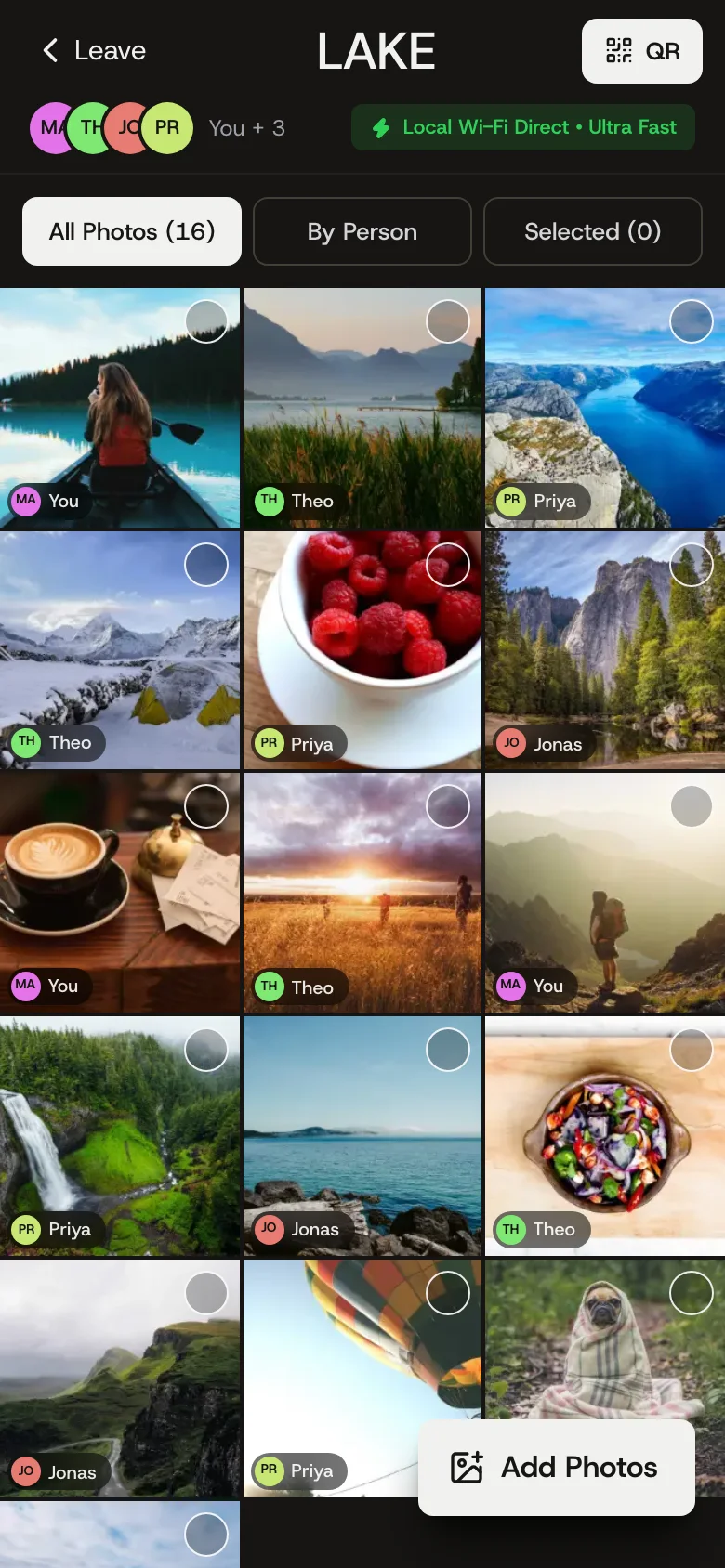
Everyone adds their shots. They land in one grid as small previews.
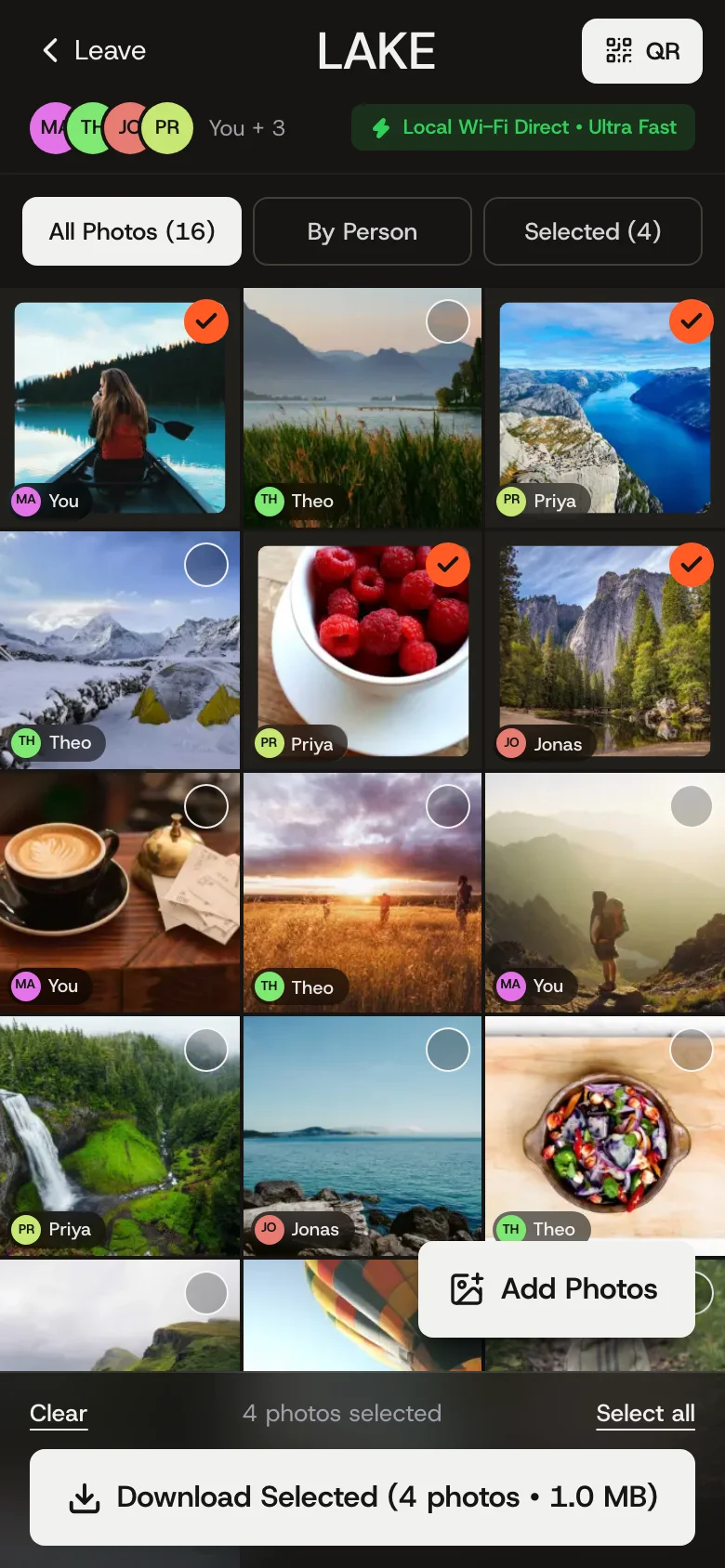
Tap the ones you want. Leave the forty blurry ones behind.
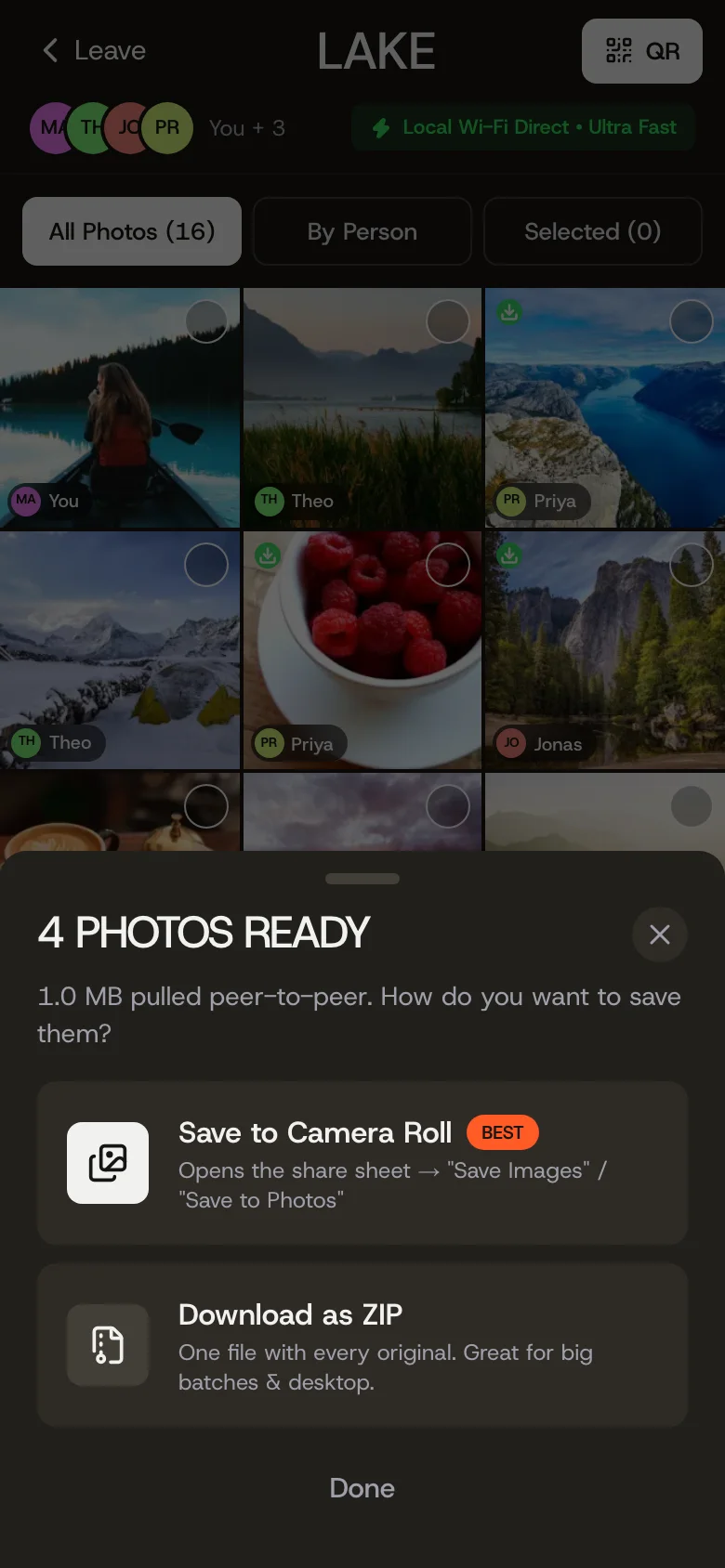
Originals come straight from your friends' devices.
iPhone, Mac, Windows and Android, together in the same room.
Open PhotoCrew in the browser on both phones, start a room on one and scan its QR code with the other. Add your photos and the other phone downloads the originals directly, at full quality. No app to install and no account.
Similar idea, but it works across every device, not just Apple ones, and with a whole group at once. Everyone sees one shared grid and picks only the photos they want.
No. You download the exact original files your friends added, not compressed copies like many chat apps send.
No, but it works best that way. If the Wi-Fi keeps devices apart, as guest networks often do, join one person's hotspot. Connecting over the internet works on many networks, though not all.
No. You need a connection to open PhotoCrew and for devices to find each other. After that, photos travel directly between them.
Anyone with the room's link or code can join and see it, so share the code only with people you trust. When you leave, your originals are no longer available.
Connection details, such as your IP address, so devices can reach each other. People in your room connect to you directly, so they can learn it too. Photos don't go through the relays.
Their previews stay in your grid, marked offline. You can't download their originals until they come back and add them again, so keep your tab open until everyone's done.
PhotoCrew is for photos only. Downloads are held in memory until you save them, so take big sets in smaller batches.